
Piclio
Image viewer · Windows & Mac
View, edit and organize photos — all in one app
Viewing, straightening, compressing, markup, batch editing, video compression and albums all happen in Piclio, so you don't need a pile of separate tools. Try every feature free for 3 days, then buy if you like it.
Rotate to any angle
Crooked photo? Drag once to straighten it
Not just 90° turns. Drag the slider or type an angle from −180° to +180°, down to decimals. Pick how to handle the result: keep the whole image with nothing cropped, or auto-crop the blank edges so no white borders remain.


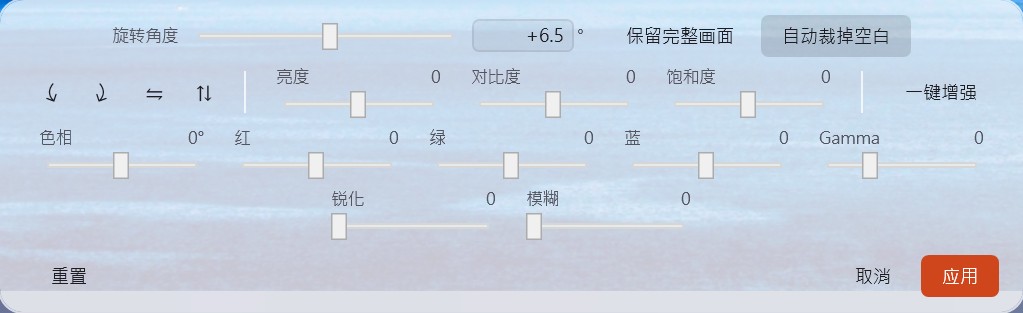
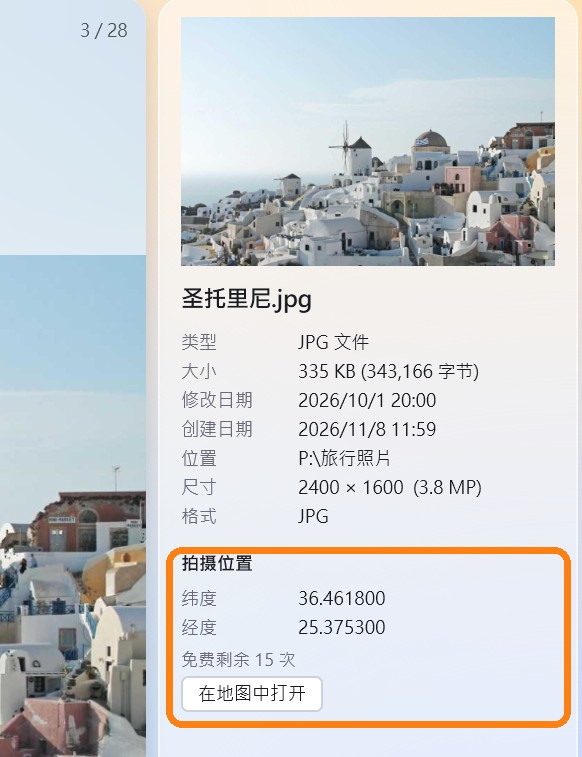
Photo location on a map
Where was this photo taken? One click tells you
Photos from phones and cameras record where they were taken. Piclio shows the latitude and longitude; click “Open in map” to jump straight to that spot on a map.
Viewing and copying coordinates is always free. Pro opens the map without limits (the free version can open it 15 times).
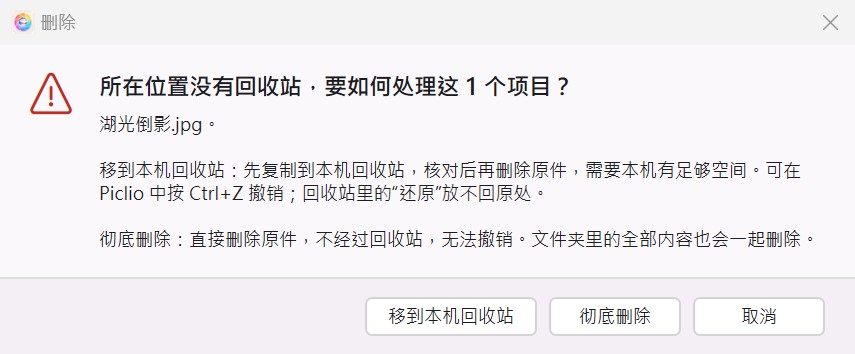
Safe deletes on USB drives and NAS
Deleted the wrong file on a USB drive or NAS? Get it back
Photos and videos deleted from USB drives, external disks and NAS skip the Recycle Bin, so a wrong delete is gone for good.
Normal delete
USB / NAS → deleted immediately → gone for good
Delete with Piclio
Warns you first → copies to this PC’s Recycle Bin in one click → press Ctrl+Z to undo
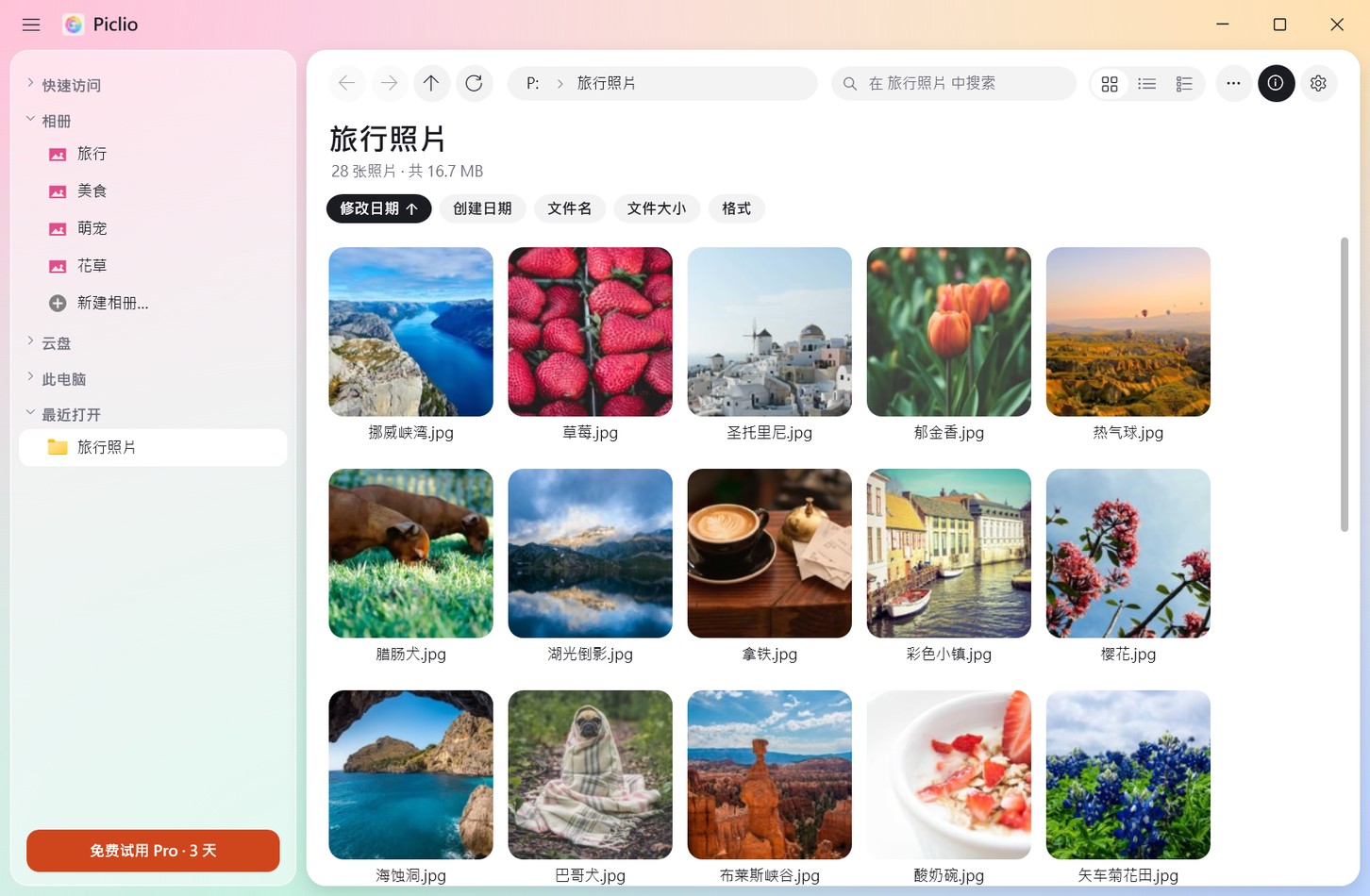
More handy features
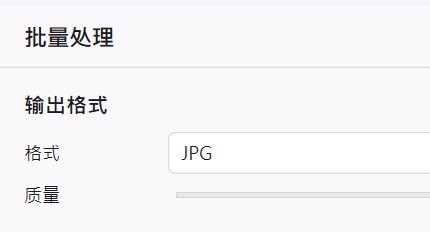
Image compression
Smaller files that are easier to send and upload.
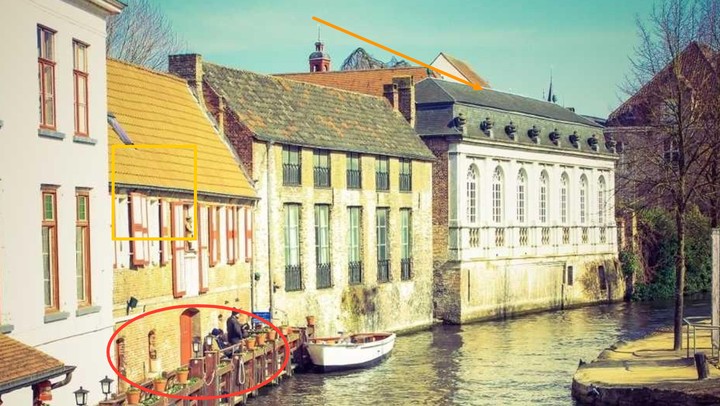
Markup
Arrows, rectangles, circles, freehand pen and text.
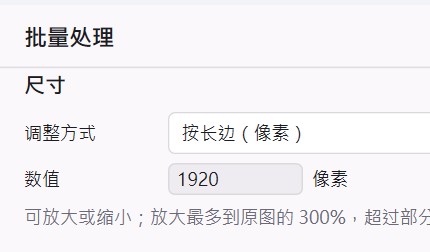
Batch convert & resize
Process hundreds of images in one go.
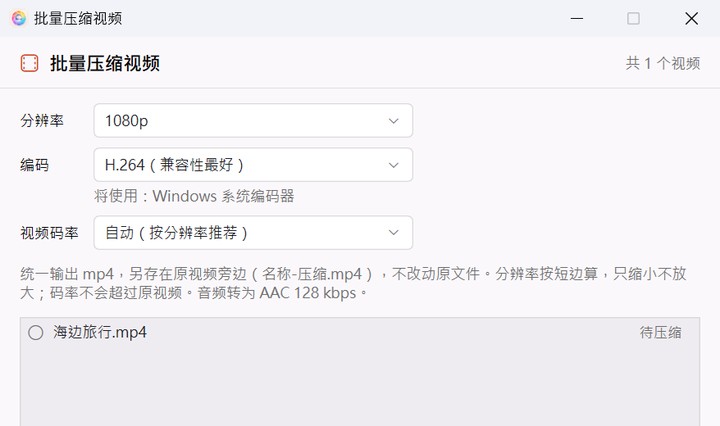
Video compression & MP4 conversion
Shrink phone videos so they are easy to share and store.
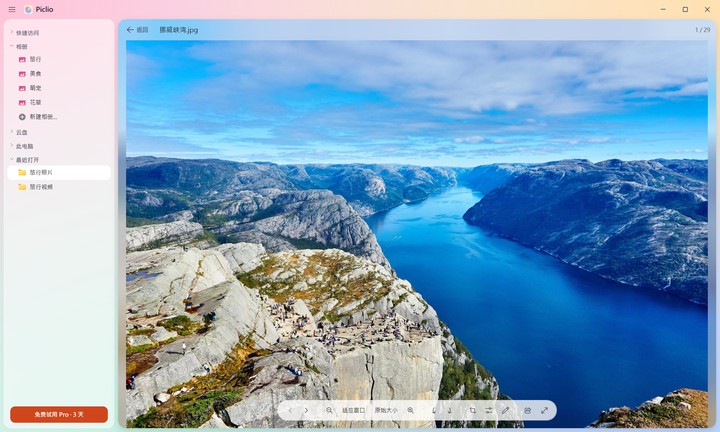
Fast viewing
Opens instantly; flip through with the keyboard or scroll wheel.
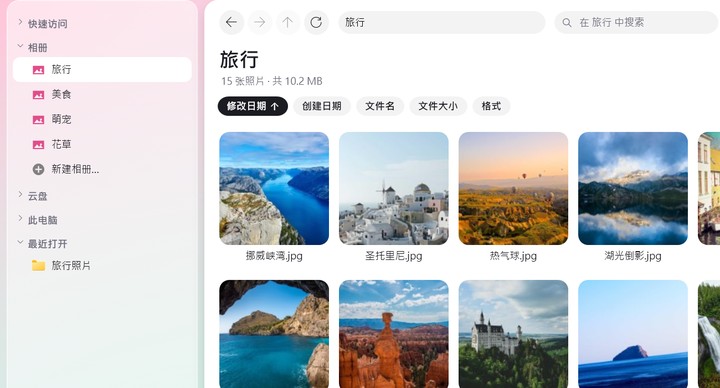
Built-in albums
Sort photos like a phone album, without moving the files.